A simple alias will allow you to view folder trees from the command line of Mac OS:
- Launch Terminal or iTerm if you haven’t done so already
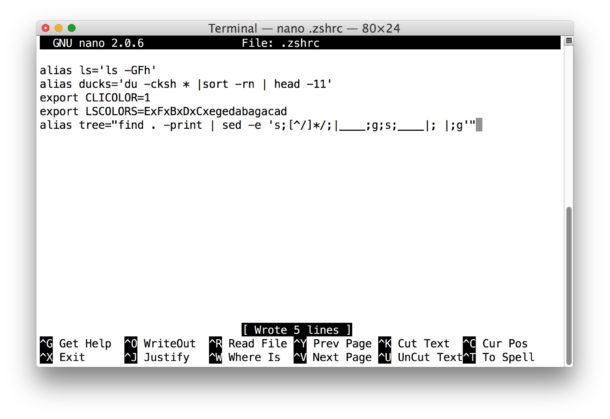
- Open your .bashrc or .zshrc profile in your preferred text editor, we’re using nano because nano is easy:
nano .zshrc
- On a new line, paste the following alias:
alias tree="find . -print | sed -e 's;[^/]*/;|____;g;s;____|; |;g'"
- Hit Control+O and Control+X to save and exit out of nano (or quit from vim or emacs as usual), your tree command for printing directory trees is now ready to use
Open a new Terminal or reload your Terminal profile and you’re ready to use the new tree alias.